
A neuromorphic inspection cell you can build.
Raspberry Pi 5, a BrainChip AKD1500 and one camera. It learns a new part on the chip in under a second, names what it knows — and says “unknown” instead of guessing.
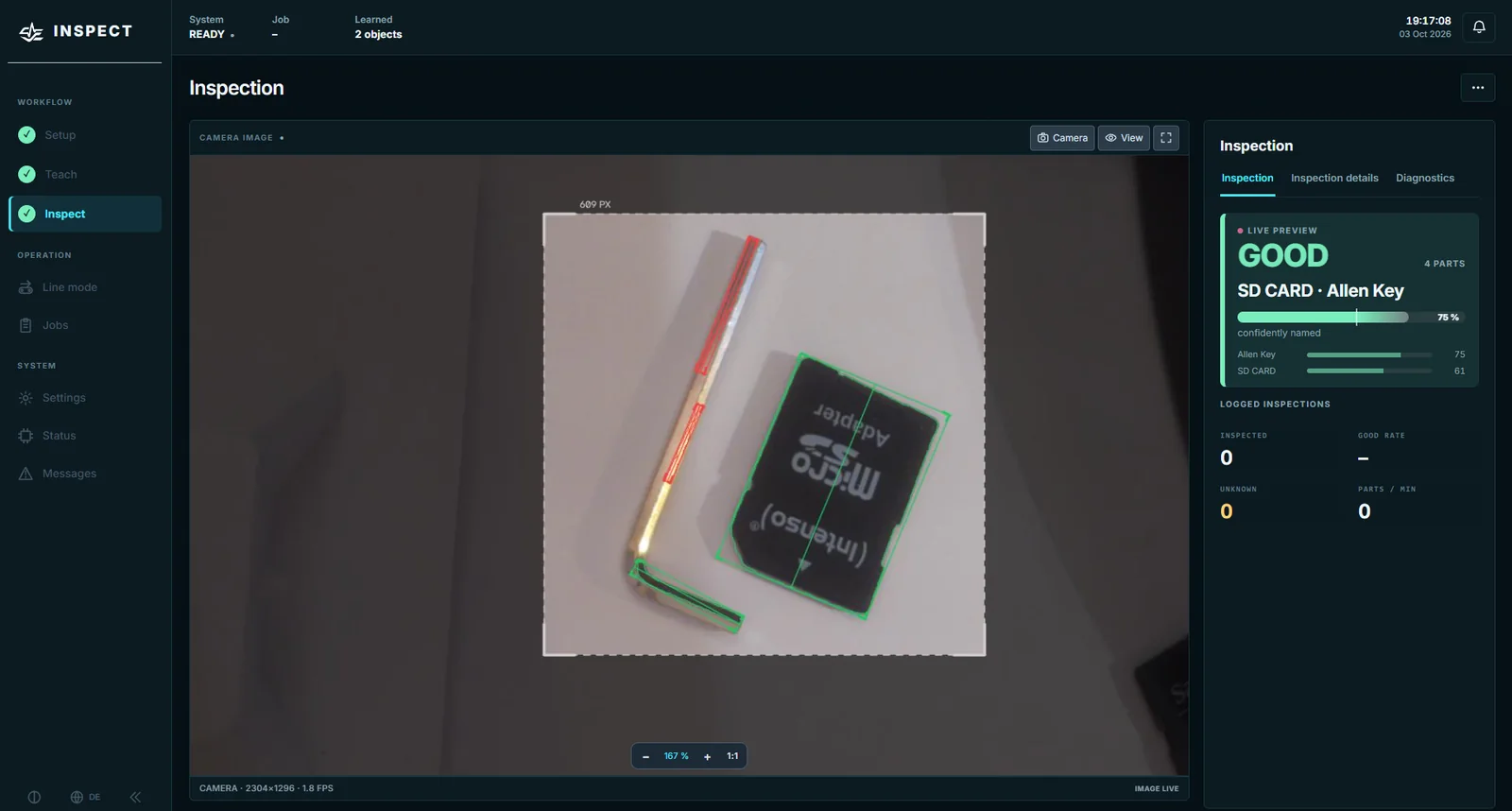
Three things, each with its evidence.
Teaches on the chip
79 examples of 3 objects learned on the AKD1500 in 0.3 s — no cloud, no GPU training run for a new part. Five photos per object are enough to start.
Same outline, different part
A dark plastic chip shaped like an SD card used to pass as an SD card. Now the cell also checks what a part looks like against its nearest training photo — 4 of 5 such foreign parts on the bench become “unknown”, false-confident names dropped from 5 to 1 in 59.
Fits into a machine
Trigger input and OK/NOK/ready/fault outputs (GPIO or a Modbus I/O module), a Modbus TCP interface for the PLC and operator roles with PIN.
Set up. Teach. Inspect.
Set up
Focus the camera, place the capture window, record the empty background. A first-steps assistant ticks each point off as you go.
Teach
Create an object, put the part in the frame, press the space bar — five times, in different positions. Then “Train …”: seconds on the chip.
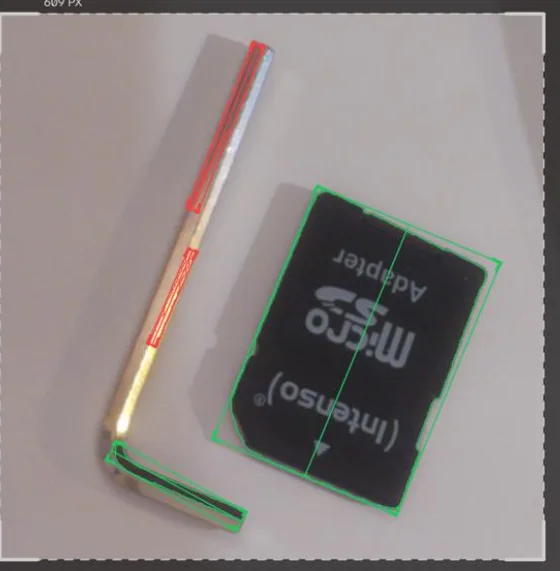
Inspect
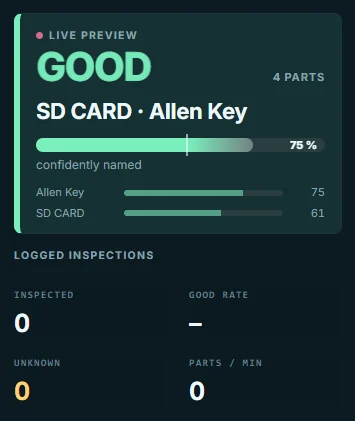
Press INSPECT, a push button or let a PLC trigger it. The live preview shows what the camera sees; every logged inspection is counted and archived.
Configure your cell
Six questions — parts list with test status, camera and light rules of thumb, a wiring sketch, your guide chapters and the configuration files for the Pi.
What is measured — and what is not yet.
Learning time on the chip, camera-to-verdict time (22.7 ms in the touching-parts scene, Aug 2026), card recovery, the line state machine and the reference pipeline — each with date, build and method.
Recognition rates on a real test set of your kind of parts. The test-set tool is in the software; the numbers follow when they are measured, not before.
Reproduce, try, read what failed.
Reproduce the baseline
Bookworm, patched PCIe driver, pinned Akida runtime, camera-safe numpy and verification.
INSTALL →Run without hardware
Start the synthetic alpha on a laptop before touching PCIe or cameras.
RUN →Read what failed
Vignetting, glare, empty-belt modelling and the debugging path behind the current pipeline.
READ →